Home
Reference Manuals
Up
Return
Simulation through a turnout using wheel/rail-coupling creep_fasim_4
Introduction
A BoBo-vehicle passes a right-handed turnout:
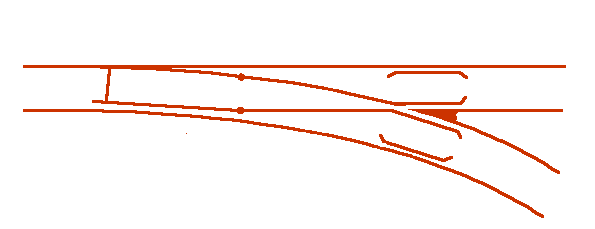
The rail profiles has been measured at 30 different sections through the turnout.
Download the example
- Download the tar-file turnout_fasim_4.tgz
- List the contents of the tar-file: tar -tzvkpf turnout_fasim_4.tgz
- Extract the contents of the tar-file: tar -xzvkpf turnout_fasim_4.tgz
- or the zip-file turnout_fasim_4.zip
- List the contents of the tar-file: unzip -l turnout_fasim_4.zip
- Extract the contents of the tar-file: unzip turnout_fasim_4.zip
- or go directly to the files: turnout_fasim_4
Start the time-domain simulation
Double-click file runf/Run_4.tsimf and press Ctrl+R
Animate the results in postprocessor GPLOT
- Double-click file runf/Run_4.tsimf in the file text area.
- Press the Gplot–pushbutton.
- Open file gp/Run_4.gp by selecting File->read_GPdat in the pulldown menu bar
- In the pulldown menu bar press View->show_4_diag in order to show a close up view of the wheel/rail contact
- Start the animation by pressing the Fwd–pushbutton.